Selene Associates
Web Apps
Free tools that run in your browser. Nothing to install.
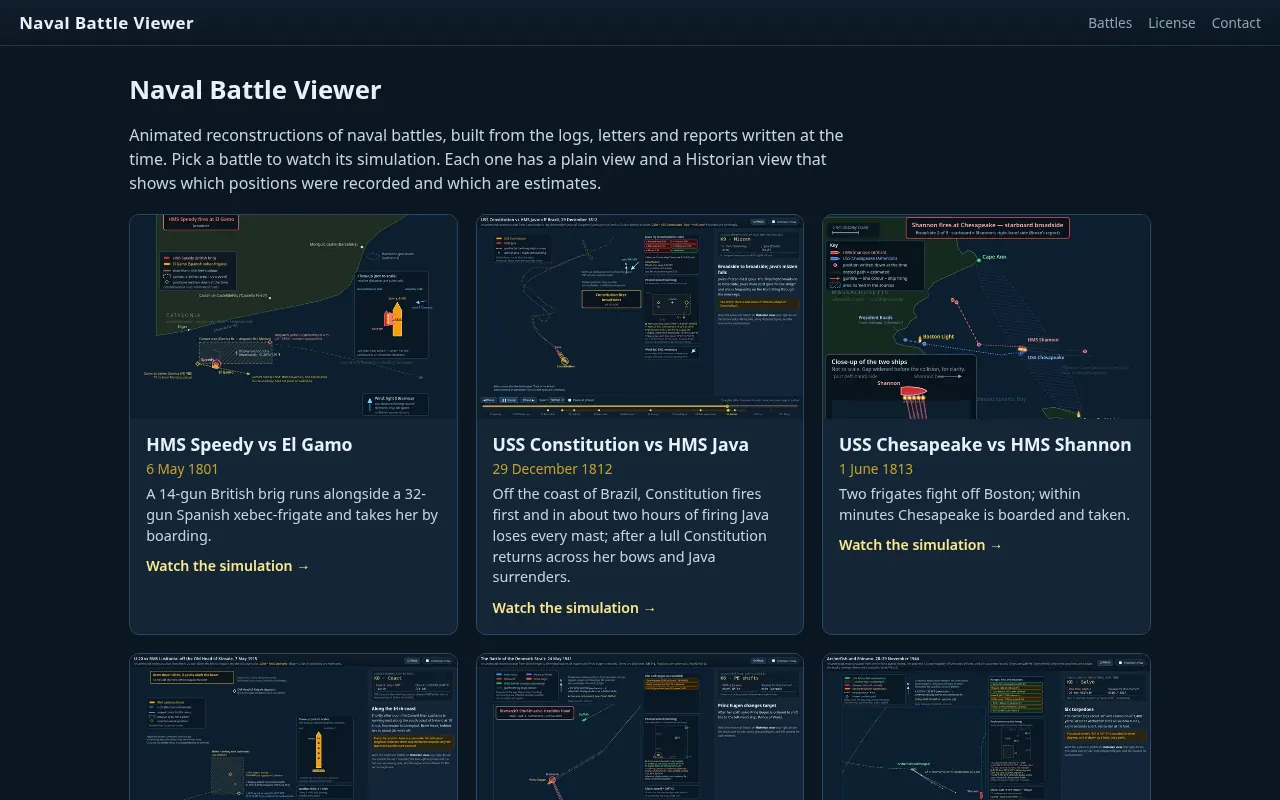
Naval Battle Viewer
Animated reconstructions of naval battles, built from the logs, letters and reports written at the time.
How it came to be
As an avid fan of naval history in general and Patrick O’Brian’s Aubrey-Maturin novels in particular, I’ve always wished I could visualize sea battles more clearly. Sequences of images in history books or Wikipedia were unsatisfying. While exploring the potential of AI agents (Grok Bots), I decided to throw this challenge at them. I started with single-ship actions from O’Brian’s books as proofs-of-concept, and have been adding increasingly more complex challenges as I go along. (The Battle of the Yalu River is — will be — an homage to Philo McGiffin, which is another story altogether.)
I’m sharing access to these animations for your entertainment. Feedback, including requests for additional content, is welcome. I’m working down a list of my own, subject to my usage limits on various accounts.
How to use it
- Pick a battle from the list on the home page.
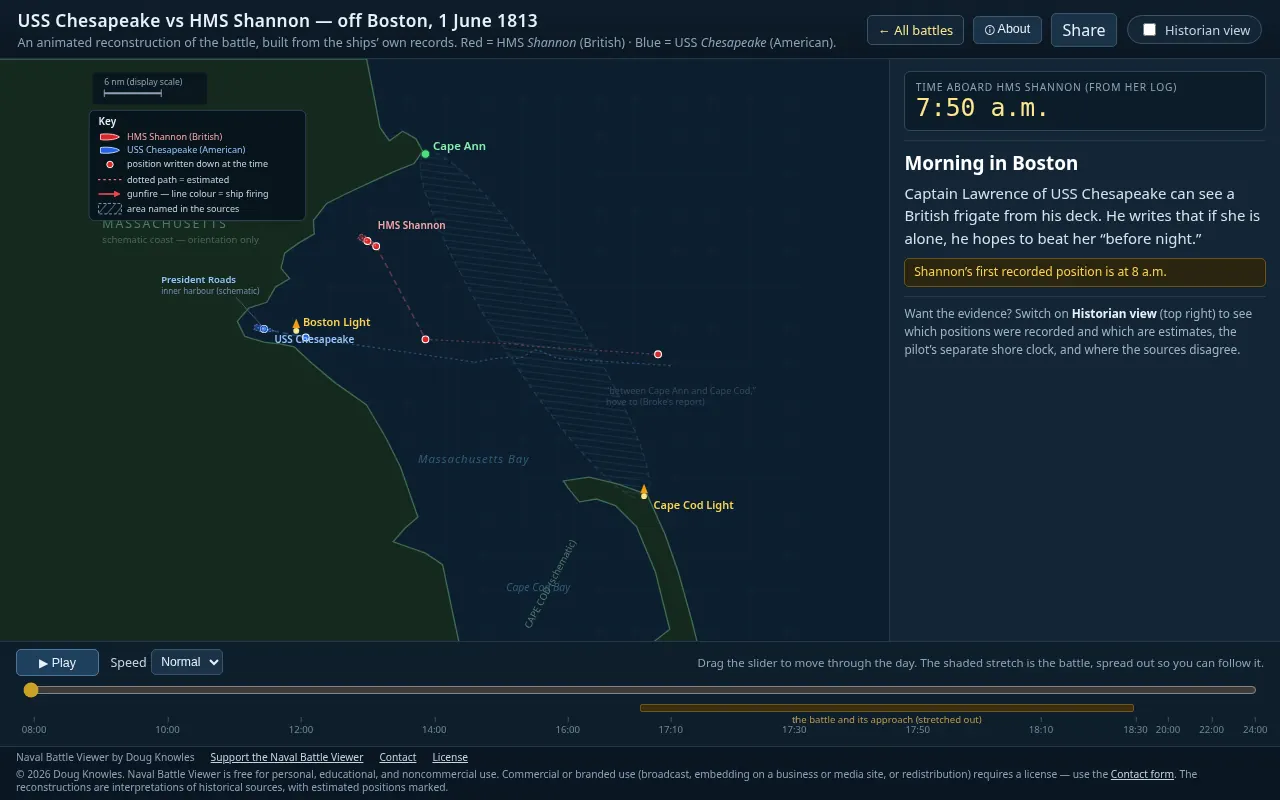
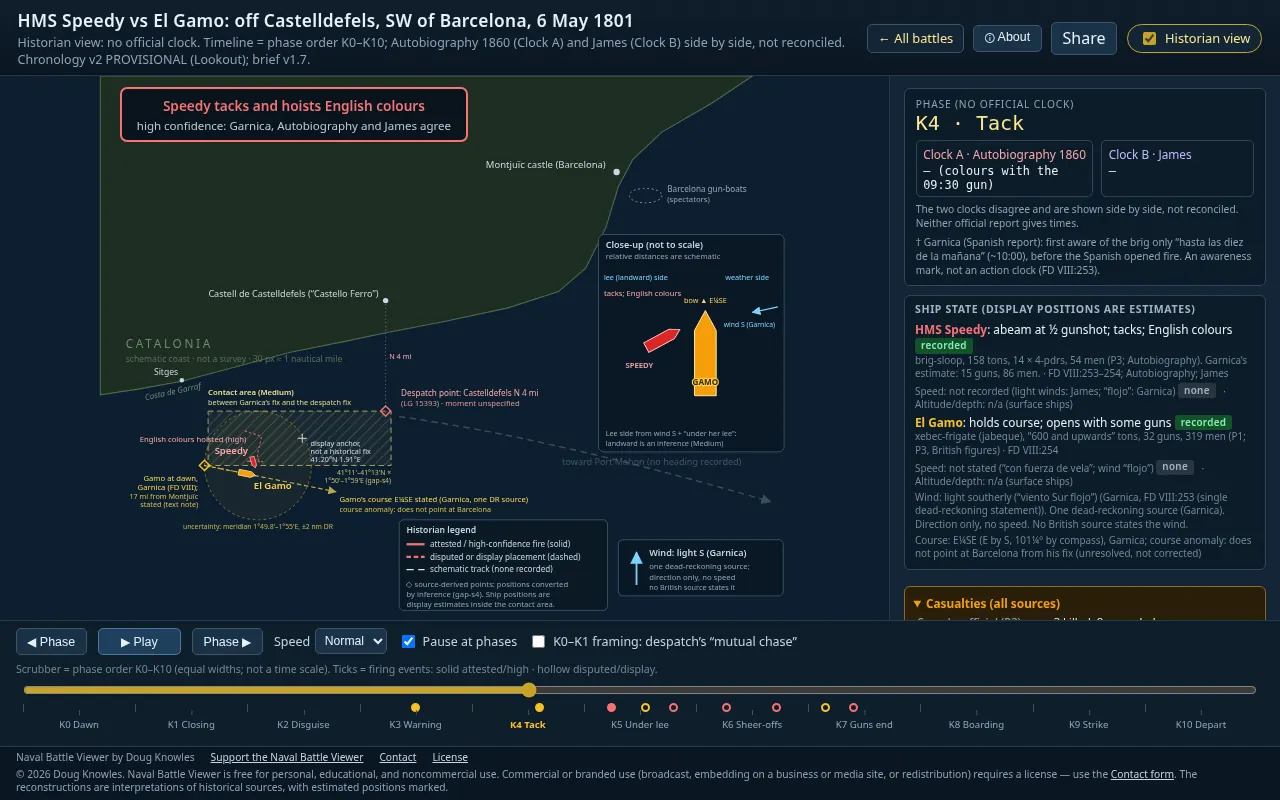
- Press Play, or drag the timeline at the bottom to move through the action. A panel on the right tells the story as it unfolds.
- Tick Historian view to see which positions were recorded at the time and which are estimates, and where the sources disagree.
- Use Share to copy a link to the battle at the moment you’re looking at.
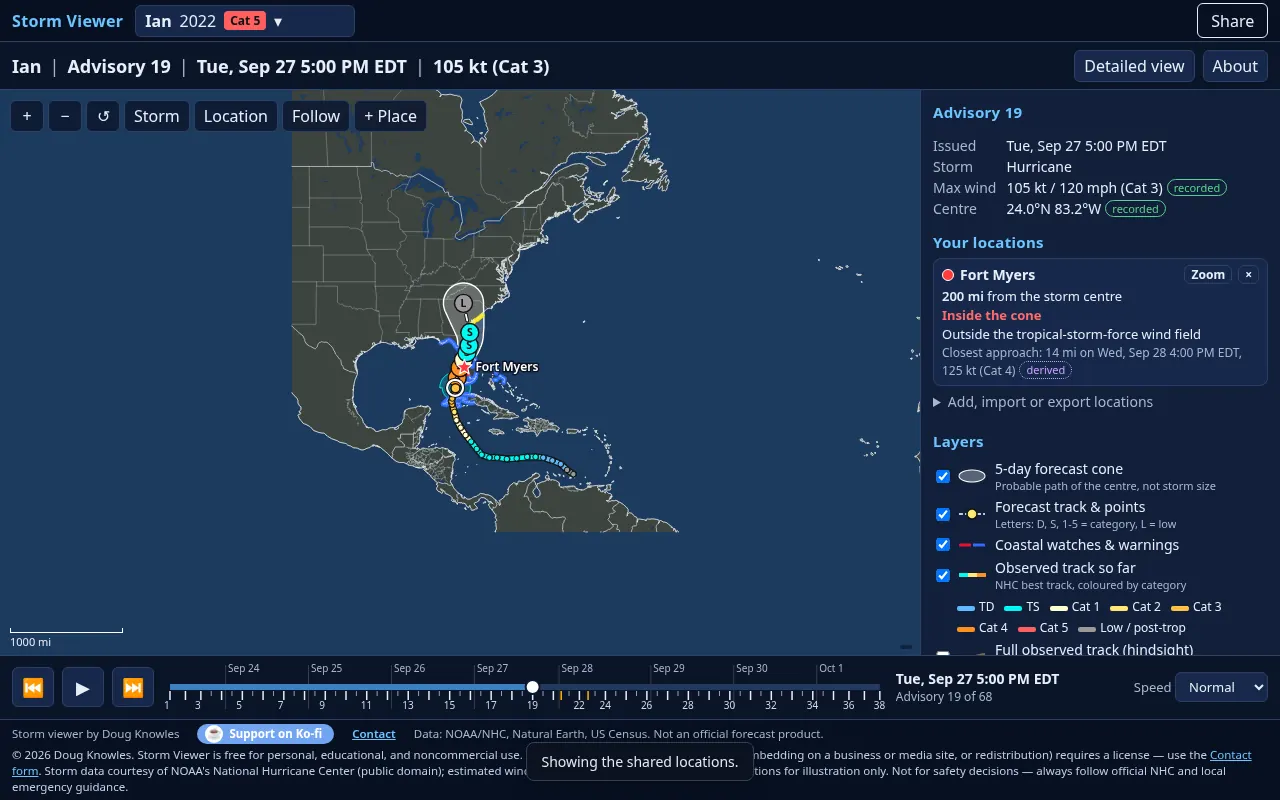
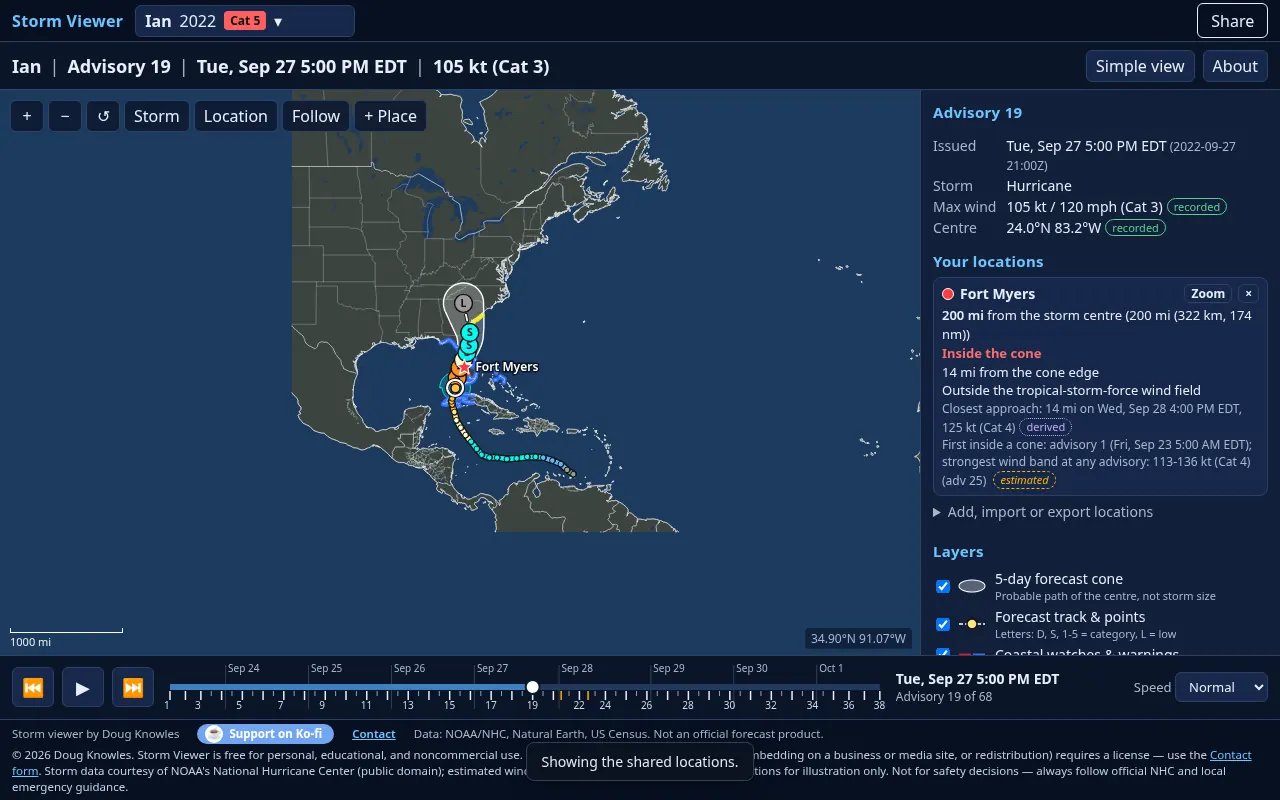
Storm Viewer
Replays National Hurricane Center forecasts for select storms, advisory by advisory, next to the paths the storms really took.
How it came to be
As a resident of Florida, I have lived the experience that “waiting for a hurricane is like being stalked by a turtle.” I would grab images of the National Hurricane Center’s famous “probability cone” for (most) storm updates and build animations to watch how they develop. At some point it occurred to me that a bot could do this work. Once I had the animations, I asked it to render the actual track, and I could watch how predictions more or less matched reality. Finally, I added the “wind footprint” to the animations, and I had a “product” I had not seen elsewhere.
I started with storms of interest to me, and add new storms to this animation as time and usage quotas allow. I hope you have fun with this viewer. Feedback, including a storm of particular interest to you, is always appreciated.
All storm data comes from the National Hurricane Center.
How to use it
- Choose a storm from the menu at the top left.
- Press Play (or the Space bar), or drag the timeline, to step through each advisory. The arrow keys move one advisory at a time.
- Add your own places in the right-hand panel, or with + Place on the map. For each one you’ll see the distance from the storm, whether it’s inside the cone and the closest approach. Places are saved only in your browser.
- Under Layers, switch on the full observed track or earlier cones to see how the forecasts compared with what happened. Detailed view adds wind radii and sources.